
A6 Church is more fun with your team! Adding users is a breeze.
NOTE: All user accounts in A6 are associated with an individual profile. Be sure to create an individual profile for your new user BEFORE starting the steps below.
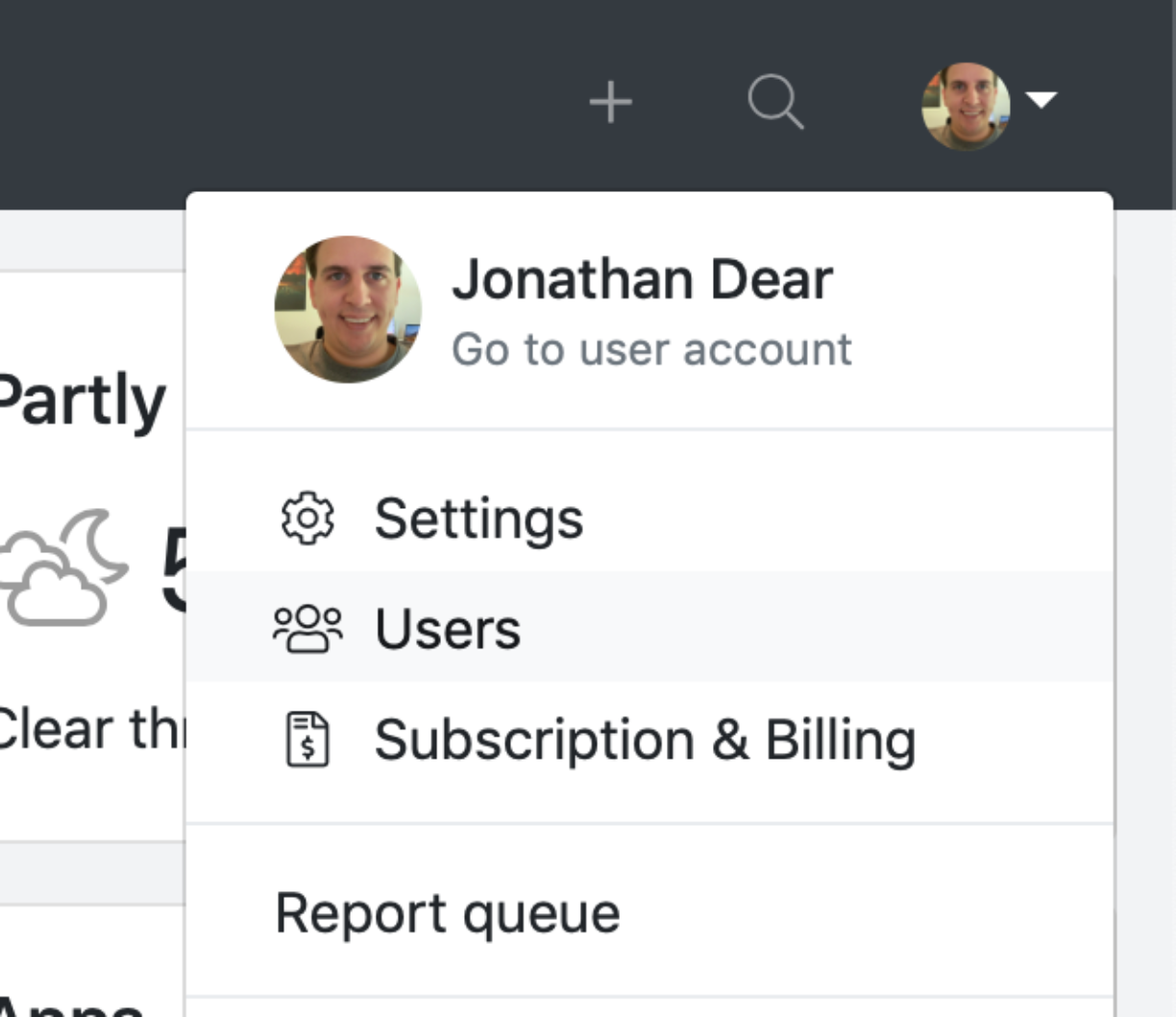
- Navigate to the Users management page. You'll find it in the menu at the top right of your screen.
 Click Invite user.
- Click Find individual.
- Search for the individual you want to invite. Remember: A6 users are tied to an individual profile. If you can't find the person you want to invite - no worries - just stop here and go create the individual profile. You'll be back in no time.
- Select the individual you want to invite.
- Confirm email address and access level for your new user.
- Click Submit.
You're done! Your new user will receive an email invitation to create their new user account.